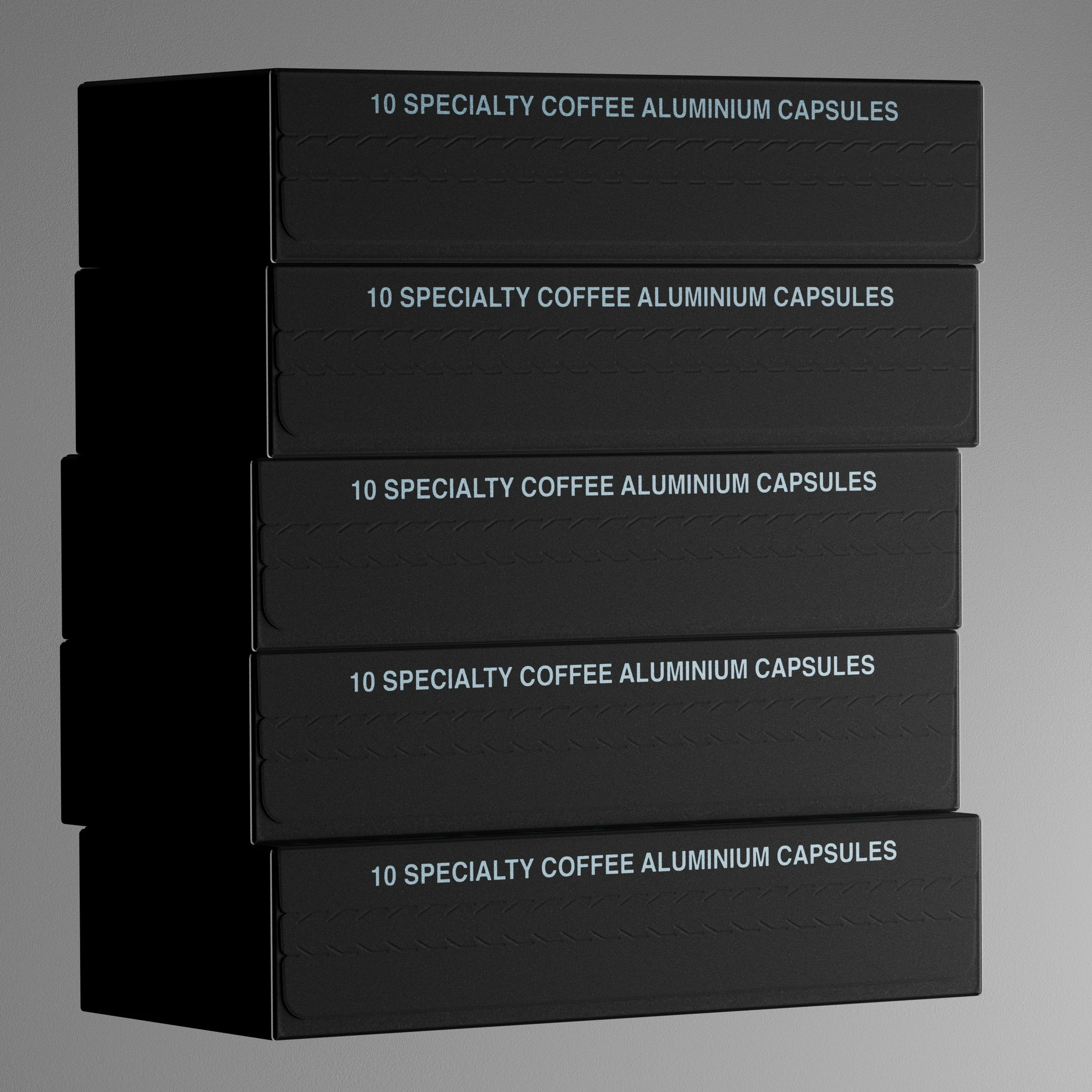
BOB Coffee Lab – Structural Packaging
Brief
—Create a packaging system that is as efficient for shipping as it is engaging on a screen.
—Engineer a glue-less structure that works in production and doubles as a high-fidelity motion library for both social feeds and physical storefront displays.
The Structural Design
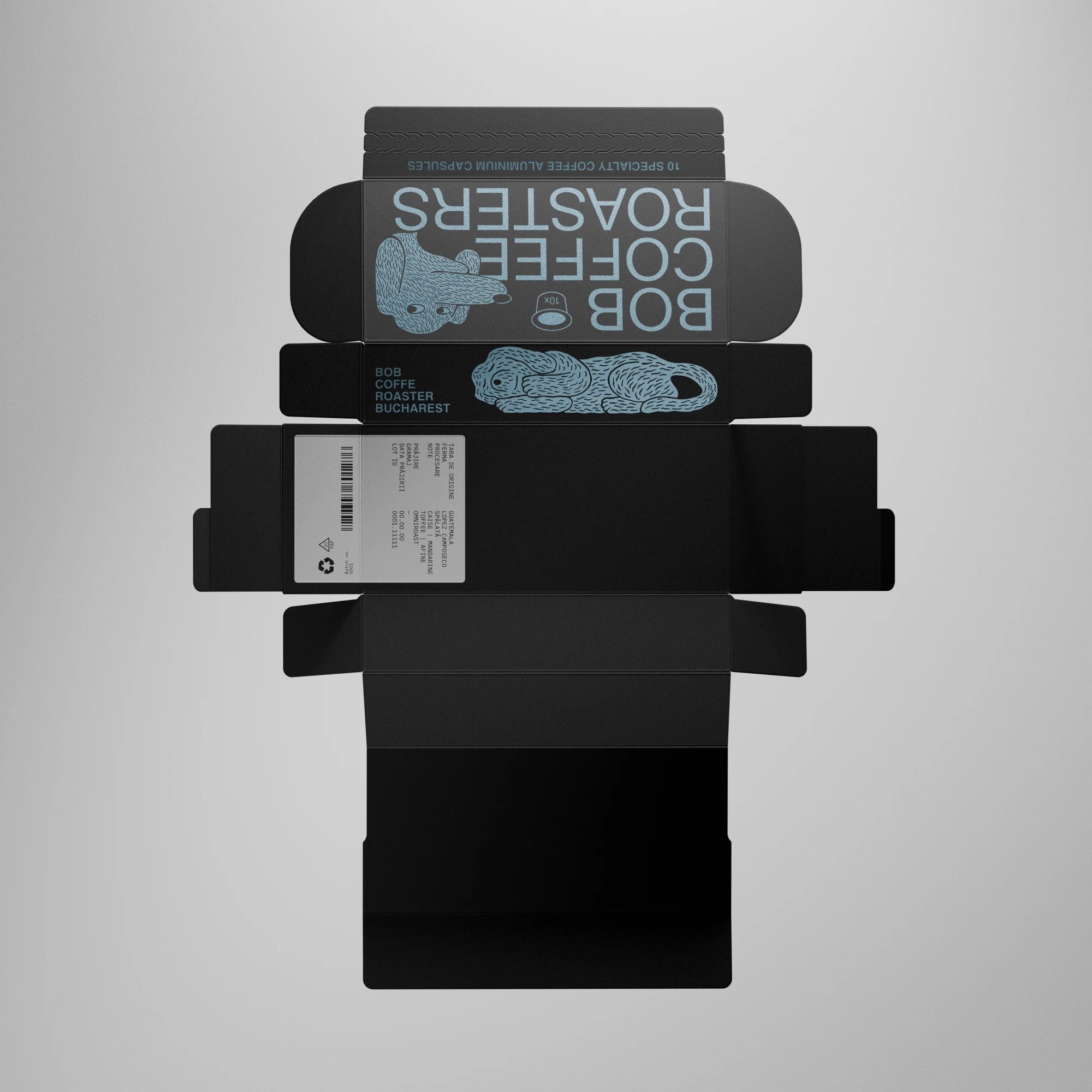
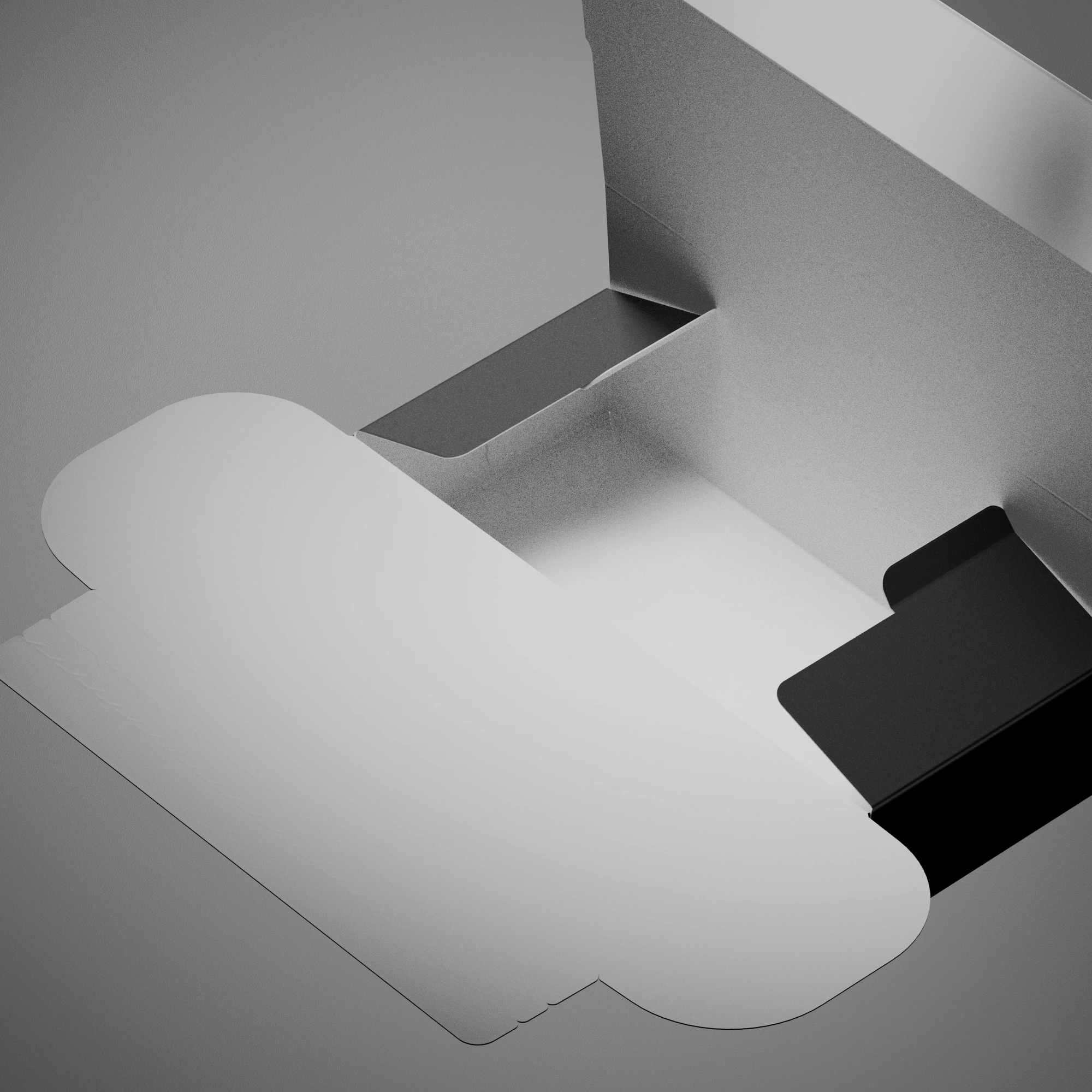
This isn’t just a box; it’s an engineered sequence. For BOB Coffee Lab, I wanted to move beyond the static mockup and demonstrate how the packaging actually takes shape.
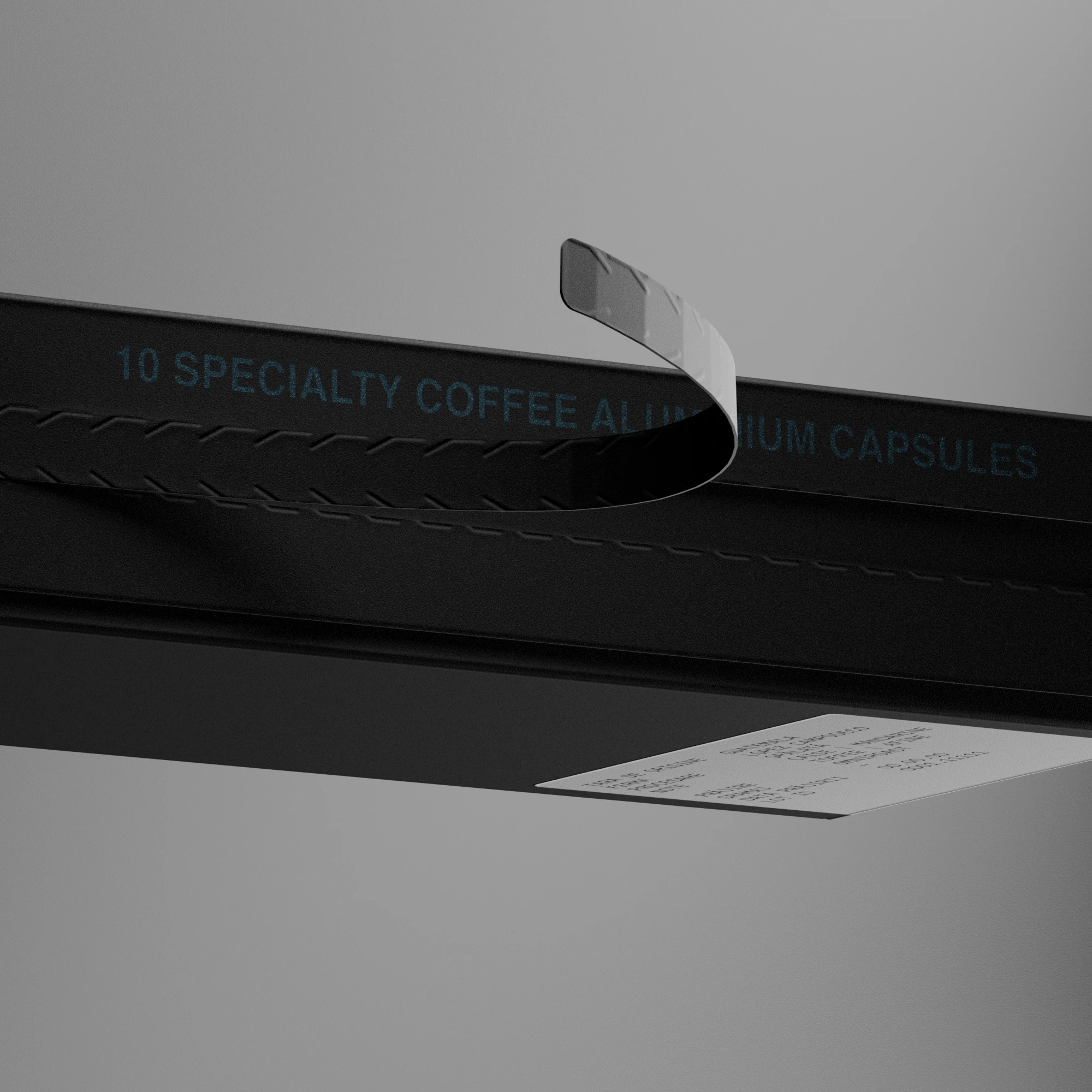
The focus here was a glue-less die-cut, a system that relies entirely on folds for its structure, requiring only a final seal for security. It’s designed for efficiency: arriving flat-packed to save space and material and simple enough to be assembled by shop staff for special orders or scaled for high-volume warehouse fulfillment.
Designing from the Inside Out: Product & Production Reality
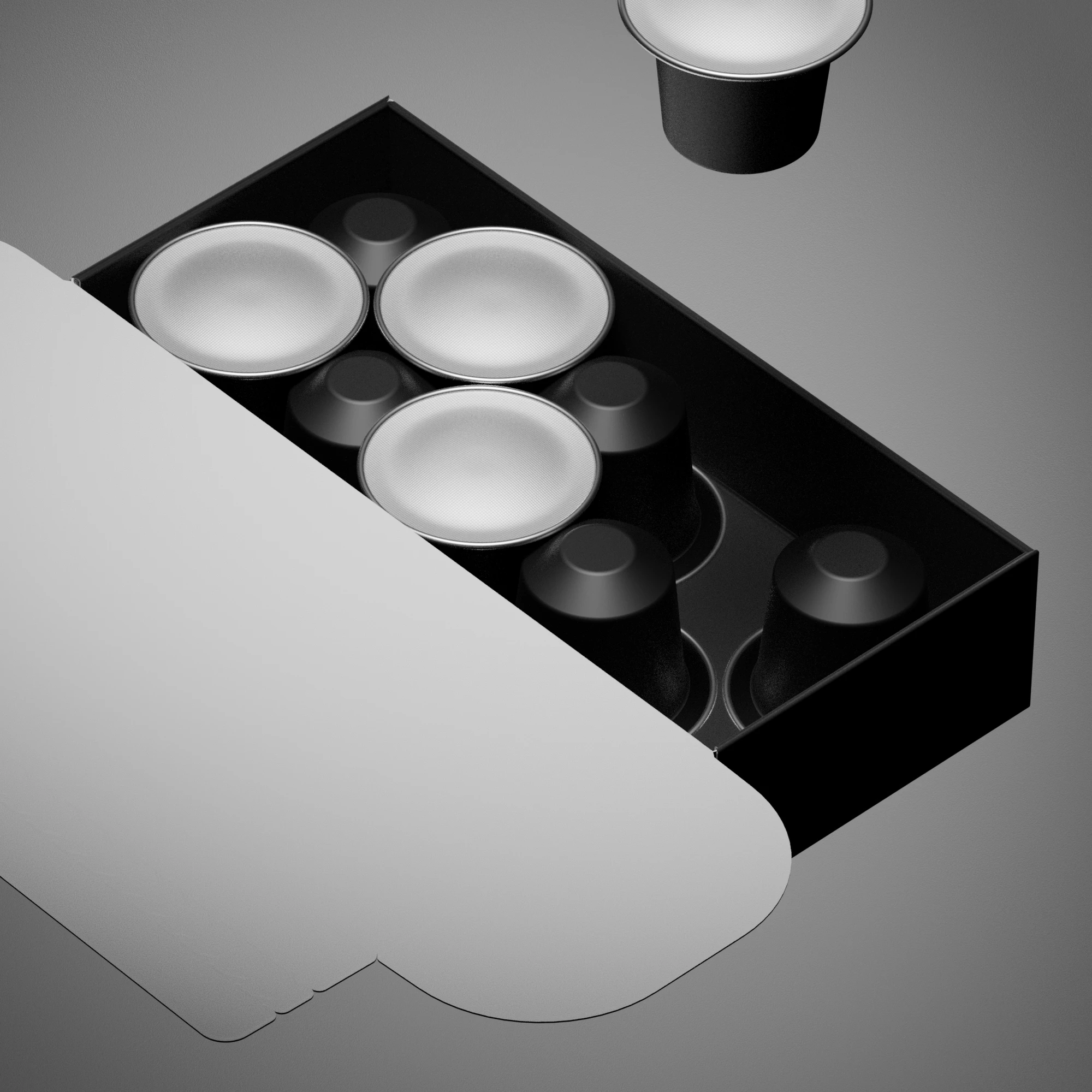
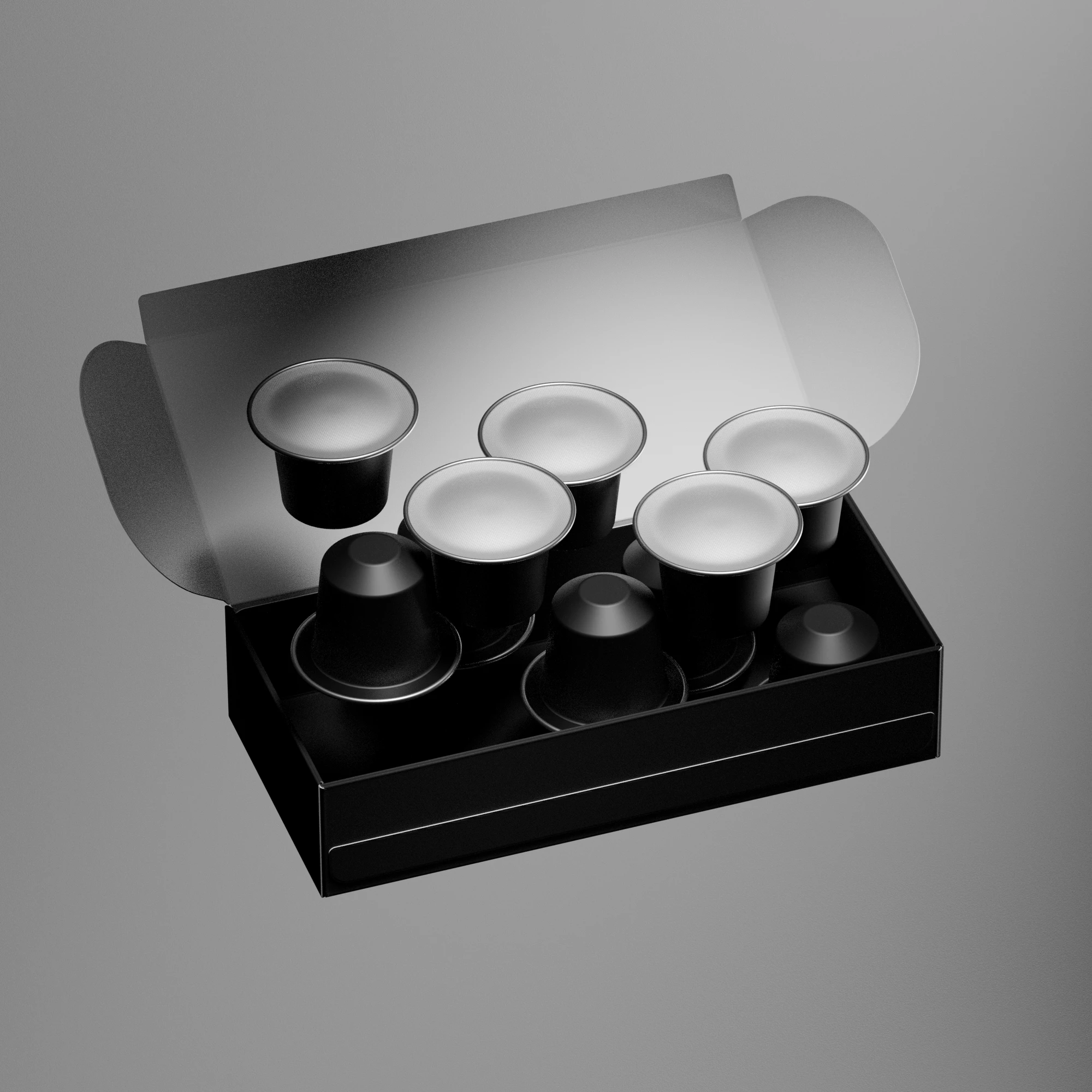
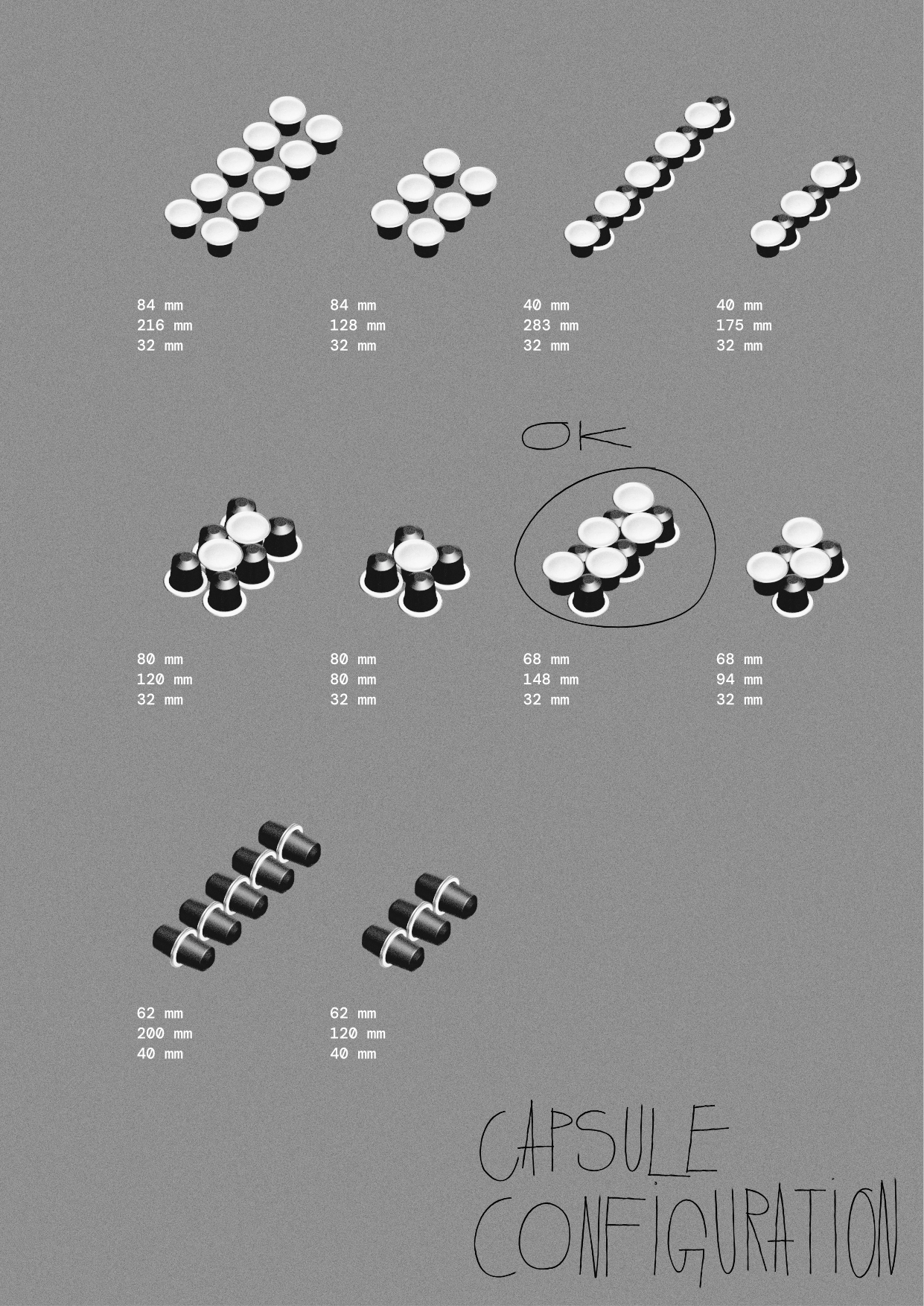
I don’t sketch boxes or open Blender until I know exactly what’s going inside. The first step was mapping out the capsule layouts to figure out how people will actually open the box and use the coffee every day.
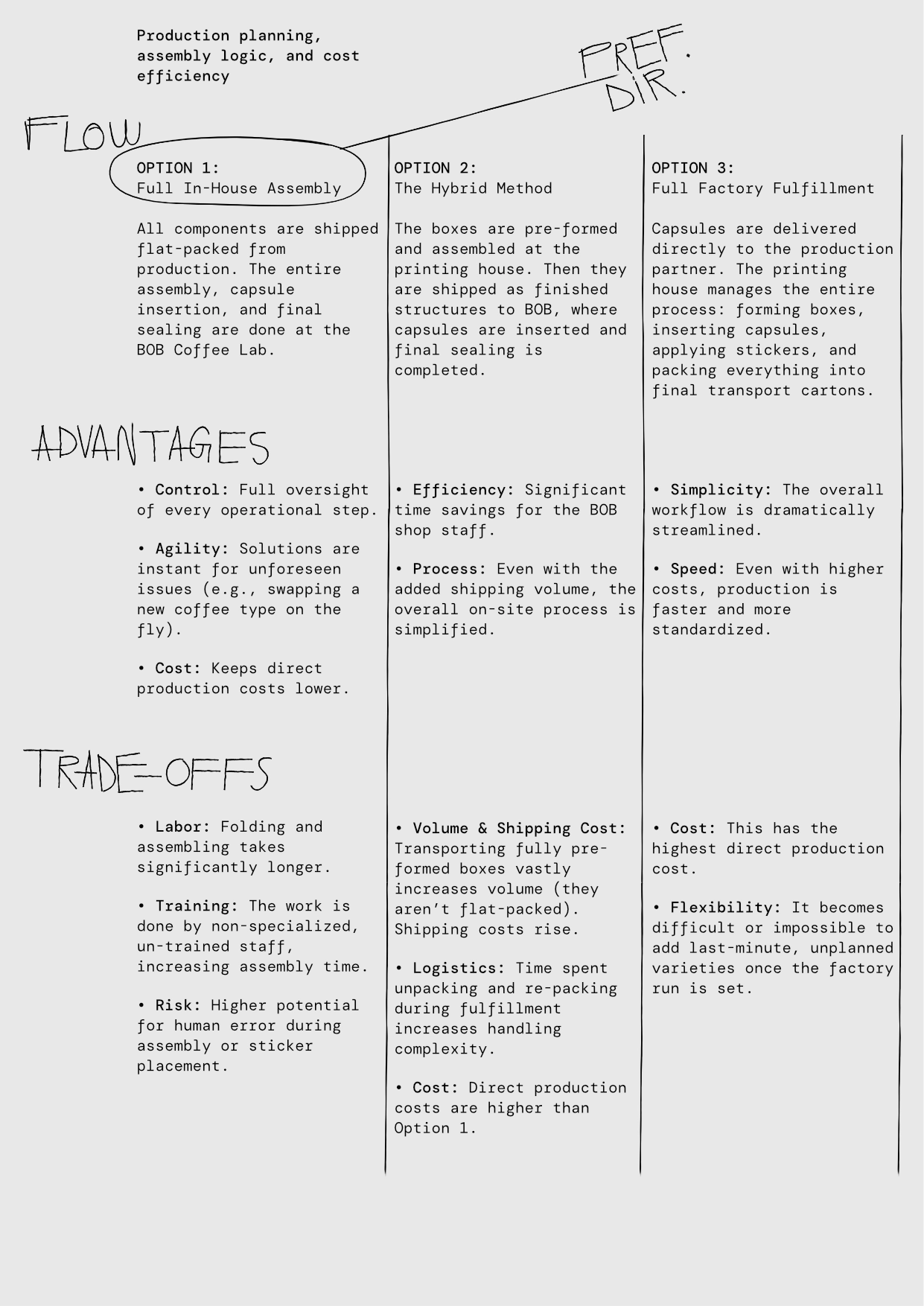
A good dieline means nothing if the factory can’t build it efficiently. Once the capsule layout was approved, I took those options to our printing house to map out the real-world logistics. We ran through three assembly flows to find the sweet spot between shipping costs, factory labor, and shop floor handling before folding a single piece of cardboard.
“The Multiplier Effect”
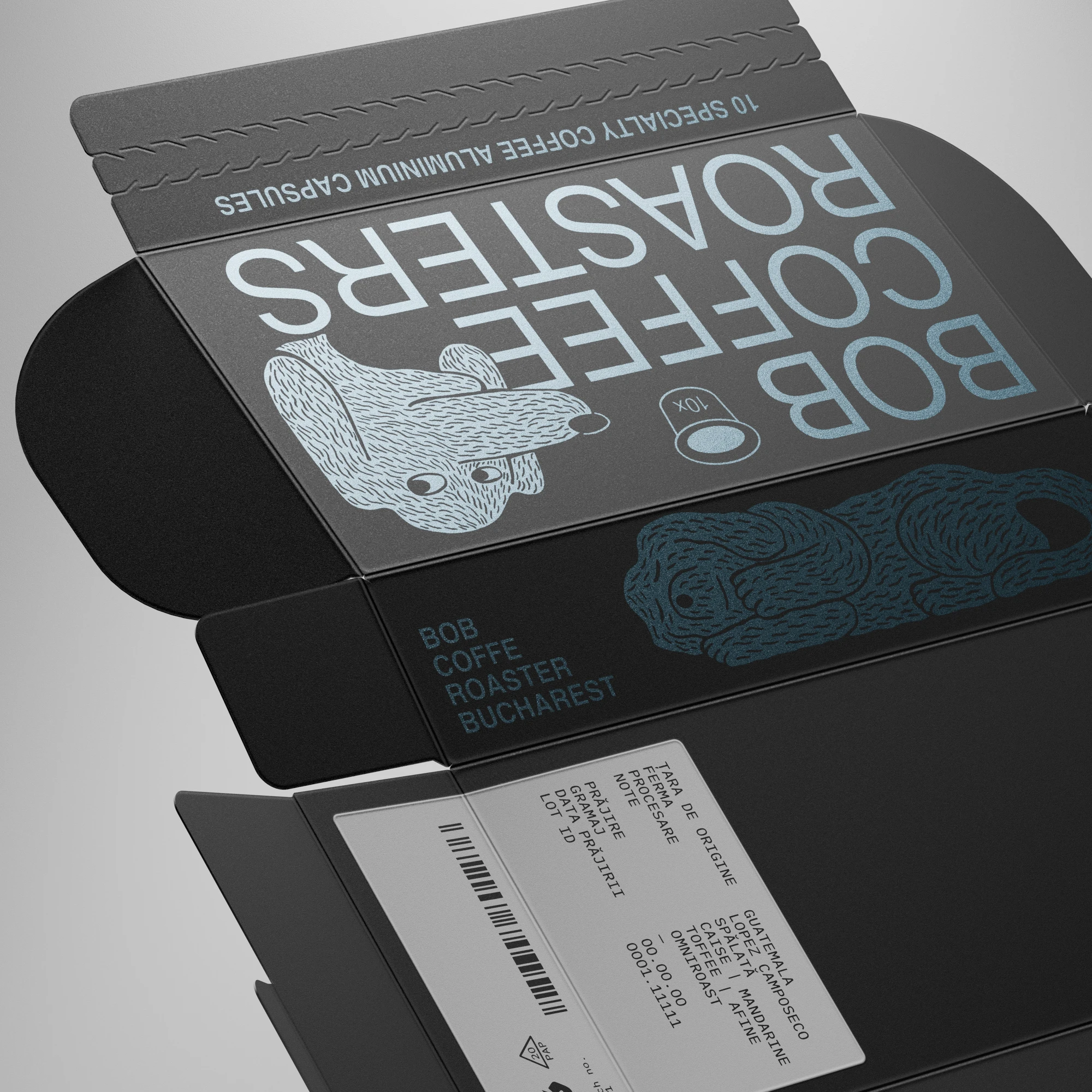
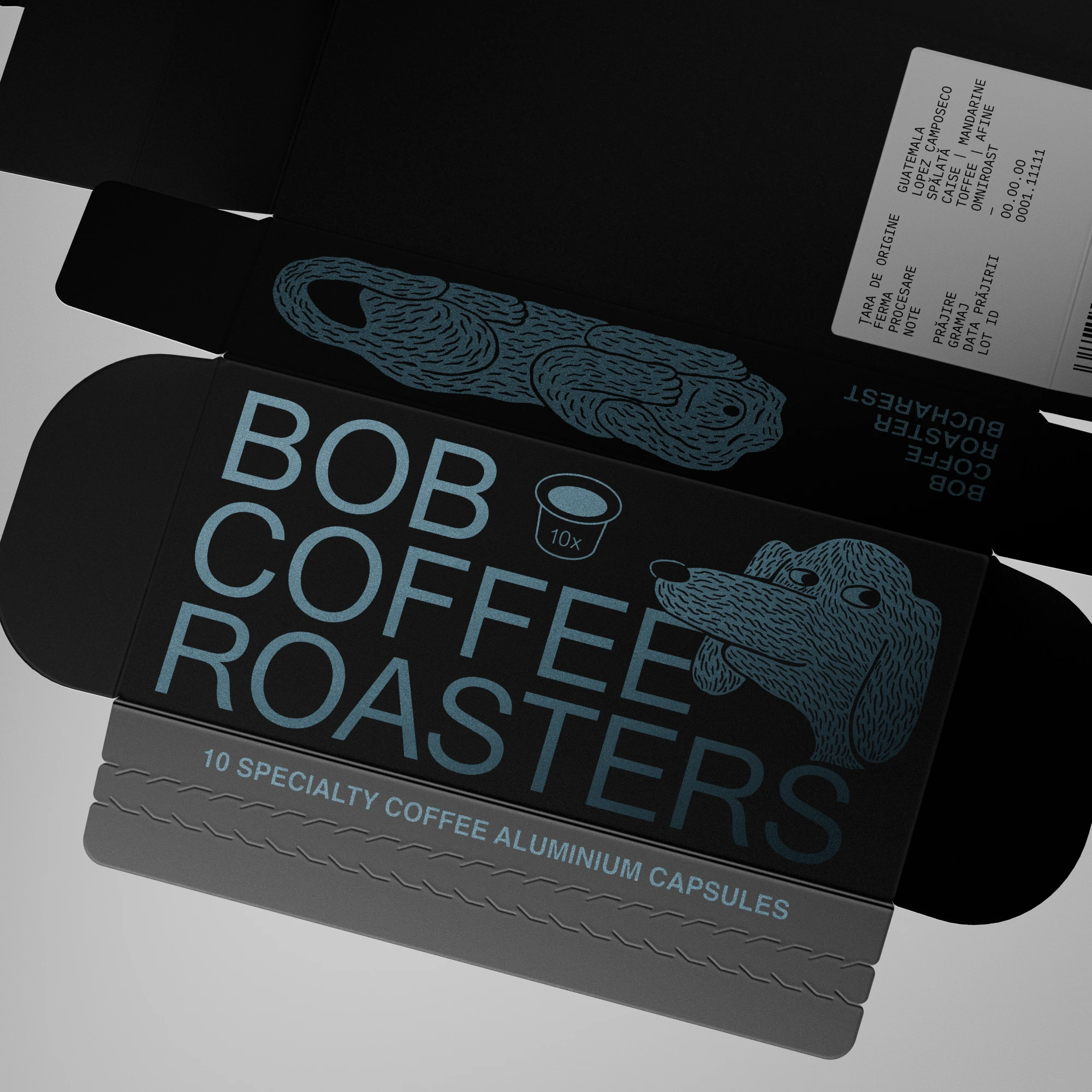
Building a high-fidelity digital twin in Blender takes a few days longer than rushing through AI iterations or dropping artwork onto a generic template, but it creates a timeless master file. By building the asset properly from the start, you can use it anywhere. Whether it’s a 9:16 Reel, a square post, or a high-res render for the web, the materials and structural physics stay true to reality, no matter the angle or lighting.
Instead of a one-off image that dies after the launch post, you get a library of assets that grows with the product. These animations can even run on screens at the physical storefront, introducing customers to the packaging structure before they even pick it up.
The final deliverables include landscape, portrait, and square video formats.
High-resolution frames exported directly from the timeline for social media and production reference.
The Process from Dieline to 3D
To bridge the gap between digital and analog, I constantly move between the Blender interface and my own workbench. Showing the wireframes alongside a stop-motion mockup isn’t just “behind the scenes”; it’s proof of craft. It proves that the physics you see in the animation are defined by the paper I folded by hand.
I believe packaging visualisation and design should be guided by what is actually possible on the production line.
I use Blender as a hybrid CAD tool and virtual photo studio. Unlike ArtiosCAD, which locks key marketing features behind a steep paywall, Blender easily emulates paper and metallic ink textures. Even better, I can freely combine, angle, and stage the models however I want.
↓
This versatility makes complete sense in “work in progress” situations like this one because every piece of the puzzle is in one place: the animations and the die-cut are already approved, so the setup is ready for the final artwork. Because Blender can process linked data, there is no need to manually re-animate any sequences. Once the graphics are ready, I simply update the source files and render the animation again. By sorting out the technical details first, the final update is a simple swap instead of a total rebuild.
Alin Cincă – Artwork
Dan Michiu – Illustrations
vul.ne.ra.bil – Brief
Structural Packaging, 3D Modeling, Rigging & Motion – Yours truly
for
BOB Coffee Lab, Bucharest